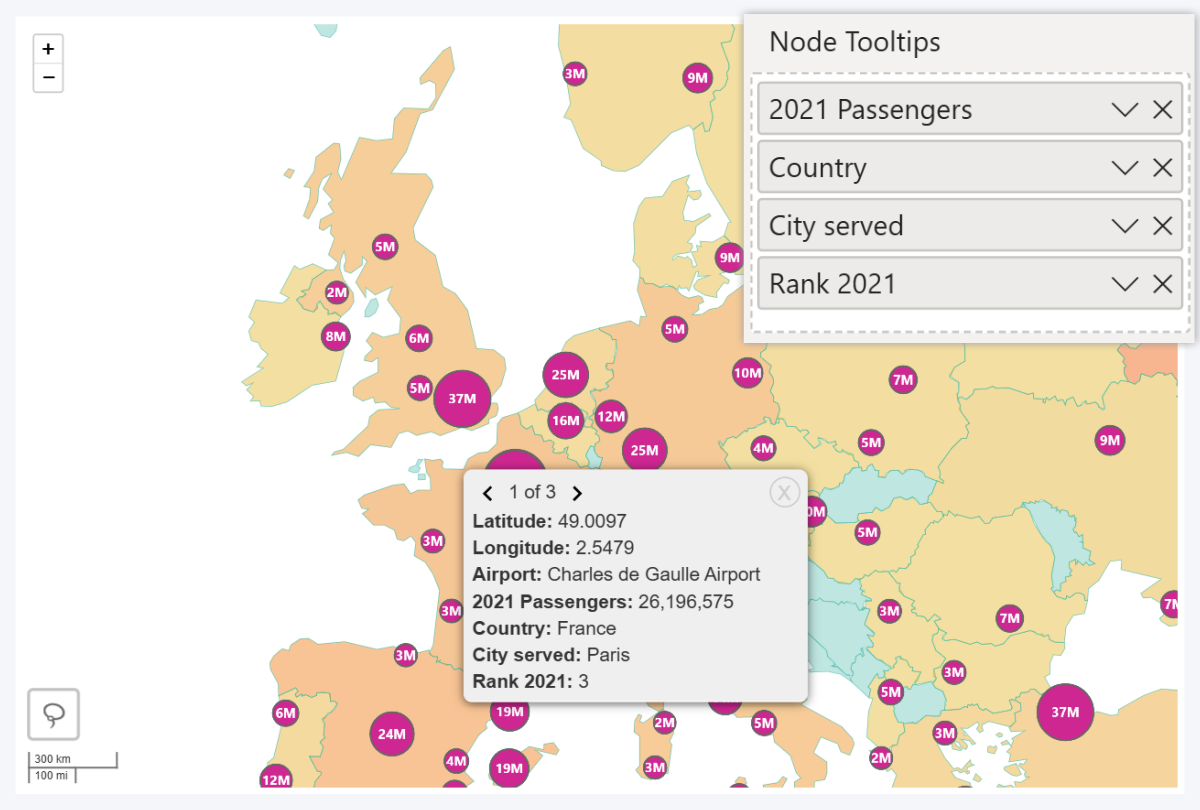
You can add multiple columns/measures containing text or numeric values, and their content will be displayed in the node tooltip.
Node Tooltips field can be used to display additional data and provide contextual insights for the node. Some examples – revenue per location, full address or zip code, number of employees in location, etc.
If you have enabled Cluster Nodes, the tooltip will be paginated, and each page will separately display data for each individual node within the cluster.
Keep in mind that the fields added here will only be displayed in node tooltips. For data that you want to display when the user right-clicks on a shape, use the Shape Tooltips field instead.
Was this helpful? Thank you for your feedback!
Sorry about that.
How can we improve it?