This property controls the number of decimals for the percentage data value will show up in tooltip, which is shown when you hover over a slice of a donut.
The default value for this property is “auto”, but it can be any value between “auto” and “1-9”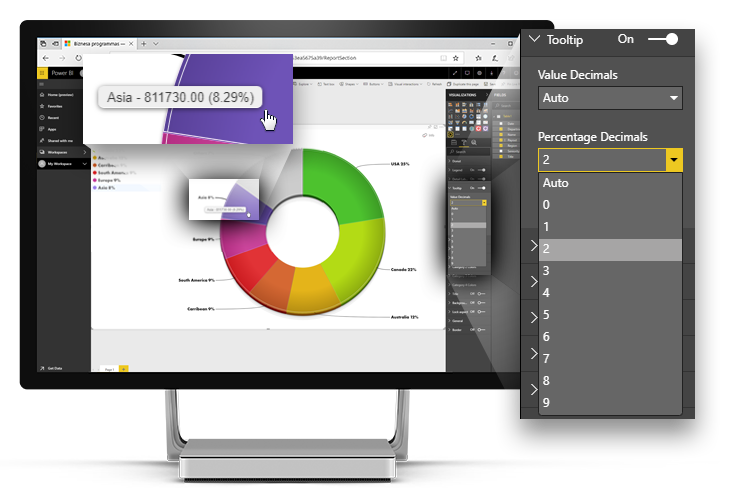
Was this helpful? Thank you for your feedback!
Sorry about that.
How can we improve it?