Once enabled, additional settings will be revealed:
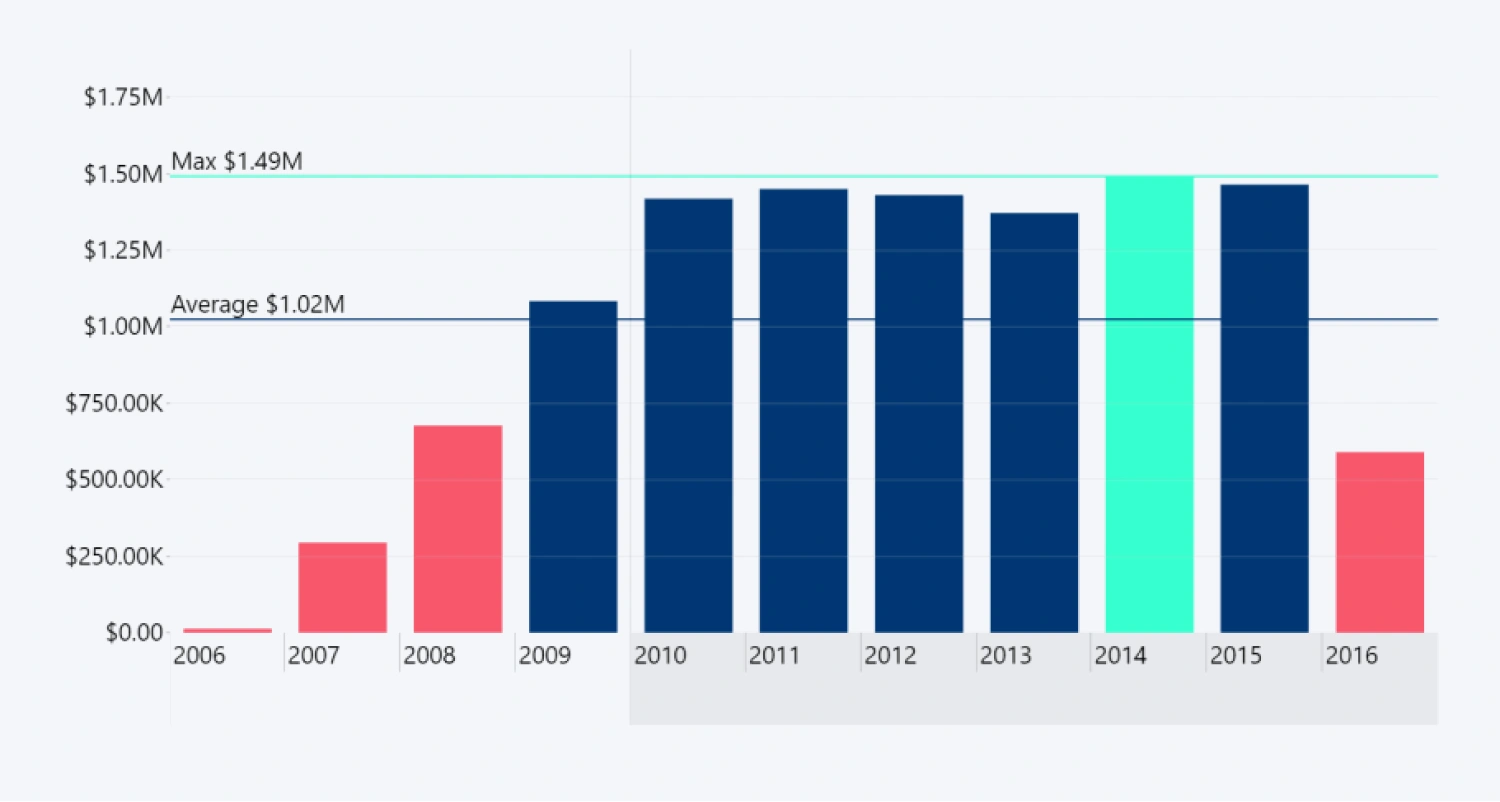
- Color Mode
- Lower Color
- Lower Color Opacity
- Lower Color Origin1
- Lower Color Function1
- Middle Color Enabled
- Middle Color2
- Middle Color Opacity2
- Middle Color Origin2
- Middle Color Function2
- Upper Color
- Upper Color Opacity
- Upper Color Origin
- Upper Color Function
- Line Marker Color
- Dynamic Color in Tooltip
- Conditional Shadow3 (reveals additional settings if enabled)
1Available if the selected Color Mode is Stepped Color or Gradient
2Available if the Middle Color Enabled toggle is on.
3Available if the Dynamic Color in Tooltip toggle is on.
2Available if the Middle Color Enabled toggle is on.
3Available if the Dynamic Color in Tooltip toggle is on.
You can also enable conditional formatting for value label text with the Font Conditional Formatting (Series X Value Labels) setting, and value label backgrounds with the Background Conditional Formatting (Series X Value Labels) setting.
Was this helpful? Thank you for your feedback!
Sorry about that.
How can we improve it?